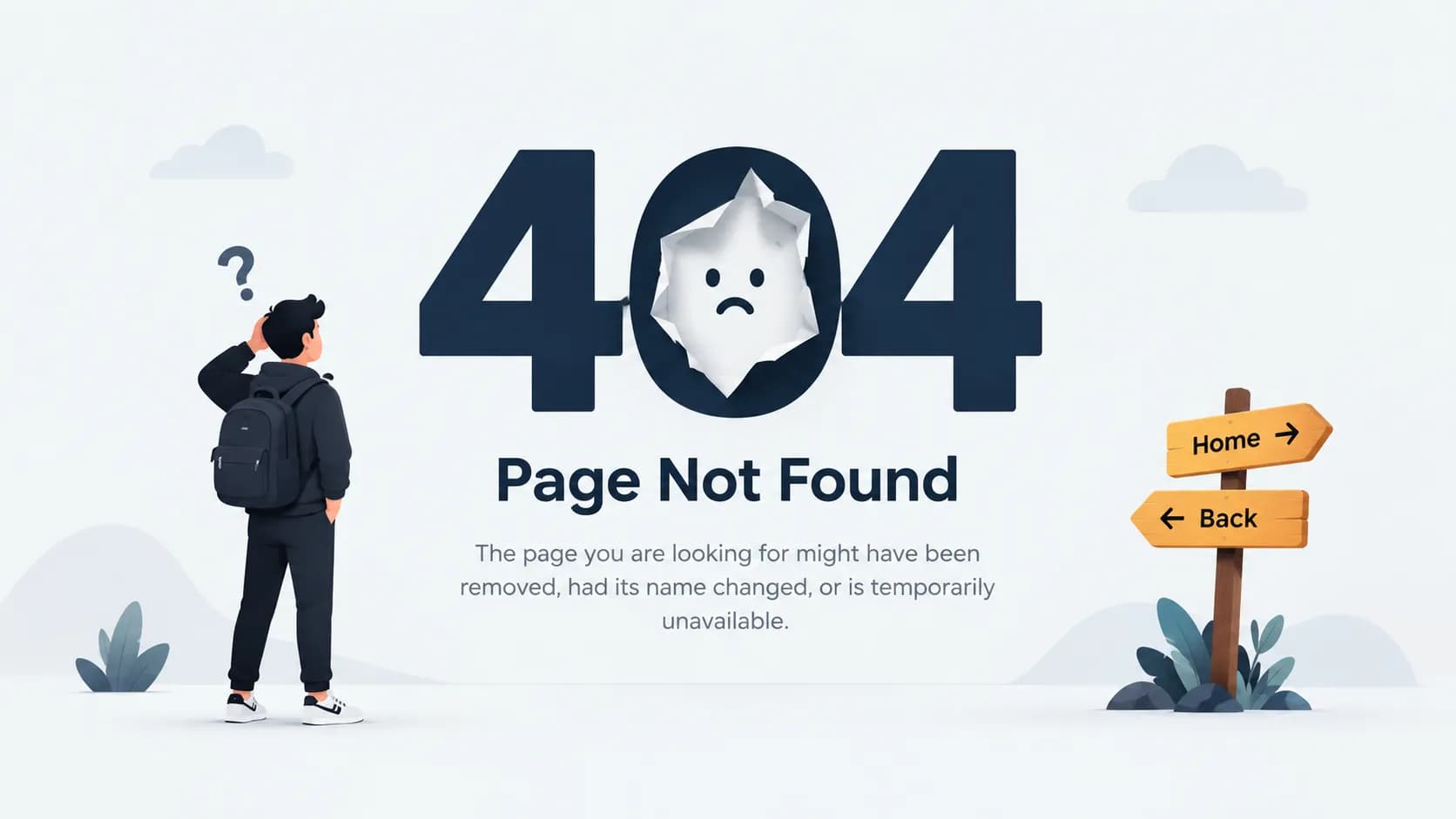
A 404 error happens when a requested web page does not exist on a server for a specific address. It’s perhaps the most common error message, and it happens when a server receives a request to retrieve a page, but is unable to do so because that page does not exist. 404 errors affect site owners and visitors. Site owners have to alter and erase broken pages, and visitors have to avoid bad links. Once you understand the causes of 404 errors, the solution becomes much easier.
Everything You Need to Know About 404 Errors
What Is a 404 Error?
404 Error Meaning Explained in Simple Terms
404 errors occur when a web server is asked to deliver a page, but is unable to do so and responds with the message “I cannot deliver that.” It is not any kind of fault in the internet connection or your device. It is the message that is delivered by the server of the requested page that is meaningless.
What Does "404 Not Found" Actually Mean?
If you happen to see “404 not found” or the statement “the requested URL was not found on this server,” this means that the web address you are attempting to visit is either incorrect or just does not exist. The page you are looking for, or file, simply does not exist.
Where the Name "404" Comes From
A status code, by definition, is a number that web servers use to describe an incident that may have happened due to a request. The number 404 is simply a status code that means that a resource was requested but does not exist. It bears no resemblance to room numbers, office legends, or even the legend of the 404 angel number. It is simply a uniform way for servers to signal that a resource is missing.
Understanding HTTP Status Codes and Where 404 Fits
What Is an HTTP Status Code?
Whenever your browser asks for a page, web servers always send back something called an HTTP status code. These codes tell your browser (and you, by extension) whether the request was successful, failed, or is still pending.
Overview of HTTP Status Code Categories (1xx–5xx)
Codes are grouped by the first digit. Codes starting with 1 are informational, 2 signify success (as in the case of “200 OK”), and 3 indicate that the request is to be redirected. 4 codes refer to client-side error, and 5 refer to server-side error. A 404 error, like the others in this category, is client side. This means the error is in the request and is not related to the server’s infrastructure.
404 vs. Other Common Client Error Codes (400, 403, 410)
It is always useful to see how 404 is standing next to its friends. A 400 error indicates that the request was poorly formatted. A 403 error states that access to the page exists, but it has been blocked. A 410 error is more irksome than a 404, since it states that the page existed and that it was deleted.
404 vs. Server Errors (500, 502, 503)
404s are easier to explain than the other server errors, since those errors (500, 502, 503) state that there was something wrong with the server, and not that the page is actually missing. The difference of the errors matters for the issue at hand, since the answer to the error will be directly related to the location of the error on the page vs. the server.
Common Causes of a 404 Error
Broken or Dead Links
Links are broken for many different reasons. Maybe the page was renamed, deleted or just moved somewhere else, and nobody updated the link.
Mistyped URLs or Incorrect Web Addresses
If you make one simple typo on a website address, you will get a 404. Moves like forgetting to put a slash or adding one too many letters can give you no results.
Deleted or Moved Pages Without Redirects
When a website owner gets rid of or moves a page but doesn’t set up a redirect, each and every link that was pointing to that page will now have a 404.
Domain Name or DNS Issues
Sometimes the problem really is with the domain name. In particular, this can happen during migrations or during changes to the DNS that are still propagating.
CMS, Plugin, or Server Configuration Errors
Using a content management system to build a website can cause pages to become inaccessible because of misconfigured plugins, themes, or server rules.
How 404 Errors Impact Website Performance and SEO
Effect on User Experience and Bounce Rate
Hitting a 404 page is a bad experience for a user and usually causes the user to leave the site. Increasing bounce rates also decreases the perceived value for site visitors.
Impact on Search Engine Rankings and Crawl Budget
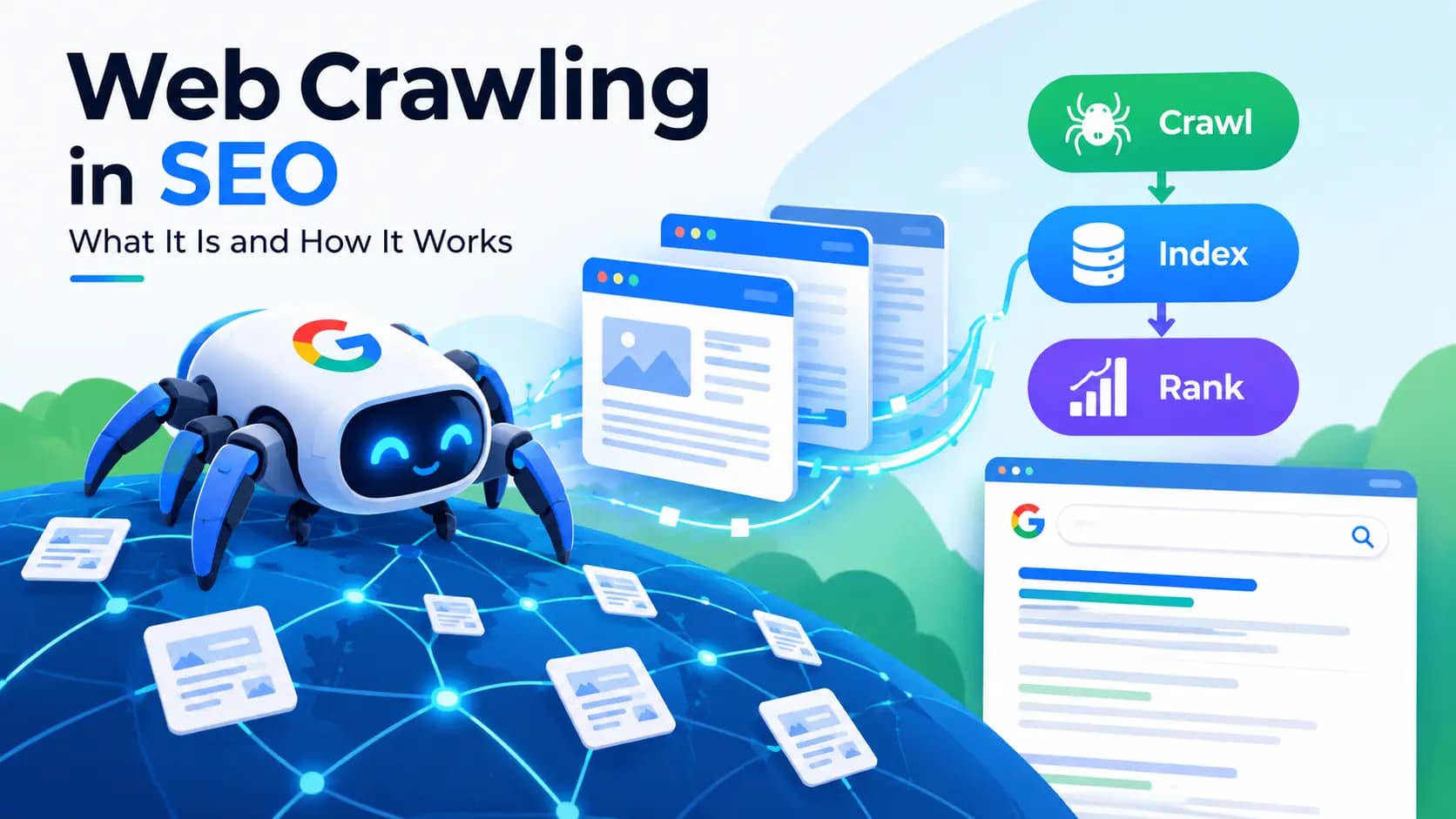
Search engines like Google crawl your site regularly, and running into too many 404 pages can waste crawl budget and, over time, affect how efficiently your pages get indexed. A few 404s are normal, but a pattern of broken links across a site sends the wrong signal.
How Google Search Console Reports 404 Errors
Google Search Console is one of the most reliable ways to see exactly which URLs on your site are returning 404s. It lists these under coverage or indexing reports, giving you a clear starting point for fixes rather than guessing where the problems are.
How to Find 404 Errors and Broken Links on Your Website
Using Google Search Console to Identify 404 Pages
Search Console remains the first stop for most site owners. It flags 404 errors Google has encountered while crawling, which is often more accurate than manually clicking through every page.
Free and Paid Broken Link Checker Tools
Beyond Search Console, there are dedicated broken link checker and dead link checker tools built specifically to scan an entire site and list every broken URL in one place. Many offer a free tier, which is usually enough for smaller websites.
Browser Extensions for Detecting Dead Links
Chrome extensions designed for link checking can scan a page you're currently viewing and highlight dead links instantly, which is handy for quick spot checks without running a full audit.
Manual Site Audits and Log File Analysis
For larger or more technical websites, log file analysis offers a deeper look, showing exactly which URLs search engines and users are hitting that return errors, based on real server activity rather than a simulated crawl.
How to Fix a 404 Error (Step-by-Step Guide)
Fixing 404 Errors as a Website Visitor
Refreshing the Page or Rechecking the URL Sometimes the fix is as simple as double-checking the web address for typos and refreshing the page. Using the Browser Back Button or Site Search If refreshing doesn't help, going back and using the site's internal search bar is usually faster than trying to guess the correct URL.
Fixing 404 Errors as a Website Owner
Setting Up 301 Redirects for Moved or Deleted Pages The most effective long-term fix is a 301 redirect, which automatically sends visitors and search engines from the old URL to a relevant, working page.
- Correcting Internal and External Broken Links : Go through internal links across your site and update them to point to the correct destination, since these are fully within your control to fix.
- Restoring Deleted Pages When Appropriate : If a page was removed by mistake or still receives meaningful traffic, restoring it is often simpler than redirecting elsewhere.
- Checking .htaccess or Server Configuration Files : On many servers, the htaccess file controls how redirects and URL rules behave, so a misconfigured line here can be the hidden reason pages return 404s even when they technically exist.
Creating an Effective Custom 404 Error Page
Essential Elements of a Good 404 Page
A helpful custom 404 page should clearly explain that the page wasn't found, include a way back to the homepage, and offer a search bar so visitors aren't left stuck.
Examples of Well-Designed 404 Pages
Some of the best 404 error pages keep the tone friendly, add a bit of personality, and gently guide visitors toward popular pages or products instead of leaving them at a dead end.
Best Practices for Custom Error Pages That Retain Users
Keep the design consistent with the rest of your site, avoid technical jargon, and make navigation options obvious so users don't feel like they've left your website entirely.
Best Practices to Prevent Future 404 Errors
Regular Website Audits and Link Maintenance
Routine checks, ideally on a monthly or quarterly basis, catch broken links before they pile up and start affecting user experience or rankings.
Proper Redirect Management During Site Migrations
Whenever you move a site, change domain names, or restructure URLs, mapping out redirects in advance prevents a wave of new 404s from appearing overnight.
Monitoring Broken Links with Ongoing Tools
Setting up a broken link checker to run automatically, rather than relying on manual checks alone, means you'll catch new 404s early instead of discovering them months later.
Conclusion
A 404 error isn't something to panic over, but it's also not something to ignore. Whether you're a visitor who hit a dead link or a site owner responsible for keeping pages accessible, knowing what causes these errors and how to resolve them goes a long way toward a smoother, more trustworthy website. With the right tools and a bit of regular maintenance, most 404 issues are quick to spot and even quicker to fix.
What is a 404 error in simple words?
It's a message from a web server telling you the specific page you requested couldn't be found, even though the rest of the website may work fine.
What does "the requested URL was not found on this server" mean?
It's the technical way of saying the exact address you typed or clicked doesn't match any page currently on that server.
What is the difference between a 404 error and a 410 error?
A 404 means the page can't be found, without saying why, while a 410 confirms the page existed before and was intentionally, permanently removed.
How do I check my website for 404 errors for free?
Google Search Console and several free broken link checker tools can scan your site and list every URL returning a 404.
Can a 404 error hurt my SEO rankings?
A handful of 404s is normal and unlikely to cause harm, but a large number of broken links across your site can waste crawl budget and hurt user experience, which indirectly affects rankings.
How do I fix a 404 error on my own website?
Set up a 301 redirect to a relevant page, correct any broken internal links, and restore the page if it was removed by accident.
Is a custom 404 page necessary for SEO?
It's not a direct ranking factor, but a well-designed custom 404 page keeps visitors on your site longer and reduces frustration, which supports a better overall user experience.
Why does Google Search Console show 404 errors that don't exist anymore?
Search Console reflects crawl data over time, so it can take a while for previously flagged 404s to disappear once a fix has been applied and the page is recrawled.